Offline DSD Software Built for Real-World Routes
Run route accounting, order entry, invoicing, and payments fully offline. XMC keeps your team selling anywhere and syncs automatically when reconnected.
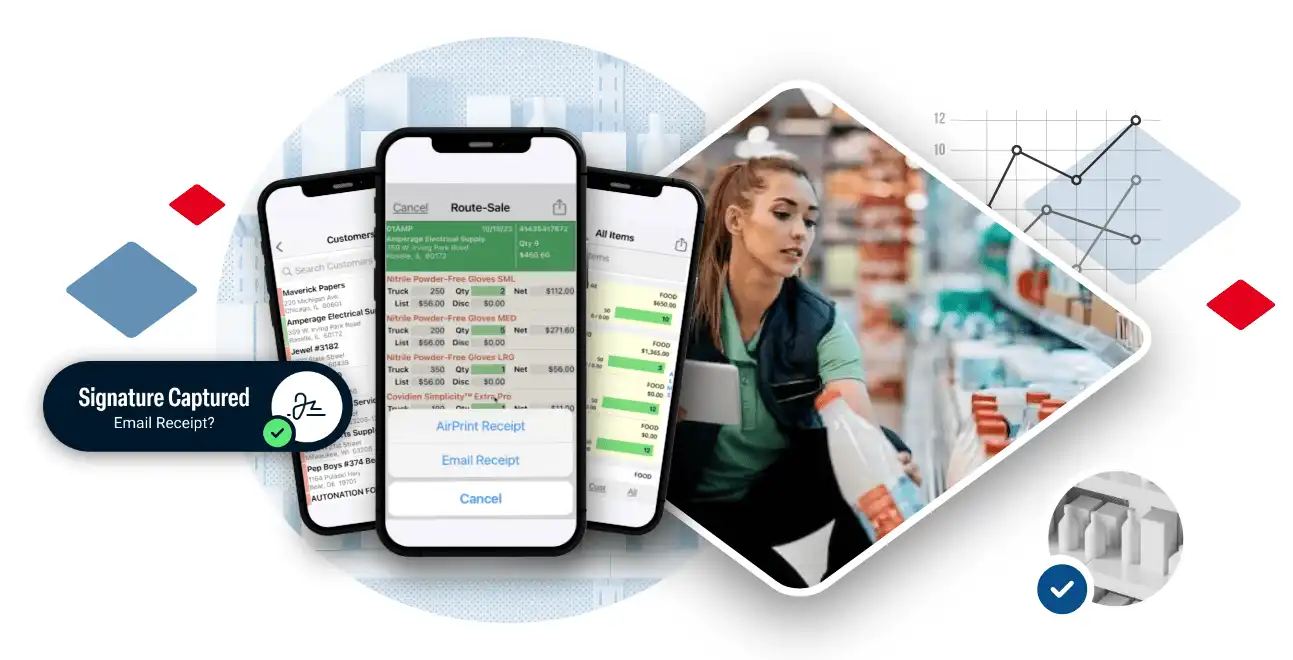
Connectivity should never determine whether your business runs.
XMC’s Offline ERP functionality allows your team to capture orders, generate invoices, process payments, manage inventory, and complete deliveries — all without an internet connection. When signal disappears, productivity doesn’t.
This isn’t a limited “view-only” mode. It’s full operational capability, built specifically for route-based businesses that operate in rural areas, warehouses, basements, and low-signal environments.
How XMC Offline Mode Works
![DSDAssets and equipment copy 4]() Data Sync Before Route
Data Sync Before Route
 Data Sync Before Route
Before the route begins, XMC securely syncs all necessary data to the device, including customer accounts, pricing, route schedules, product inventory, and account balances—ensuring the driver starts the day fully prepared.
![routesalesAssets and equipment copy]() Full Offline Operation
Full Offline Operation
 Full Offline Operation
While in the field, drivers can create orders, generate invoices, accept payments, process returns, and update inventory completely offline, with no interruption to workflow even in zero-signal environments.
![routedeliveryAssets and equipment copy 2]() Secure Local Storage
Secure Local Storage
 Secure Local Storage
Every transaction is safely stored on the device using encrypted local data architecture, preserving accuracy and protecting sensitive business information until synchronization occurs.
![keyfeaturesAssets and equipment copy 3]() Automatic Synchronization
Automatic Synchronization
 Automatic Synchronization
When internet connectivity is restored, XMC automatically syncs all transactions back to the ERP system, reconciling inventory, financial data, and customer records without manual intervention.
Engineered for True Offline Performance
Offline capability isn’t a feature toggle. It’s an architectural decision.
XMC’s offline ERP functionality is built on a local-first data model designed specifically for route-based operations where connectivity interruptions are expected. Rather than relying on temporary caching or limited “read-only” access, XMC enables full transactional processing directly on the device.
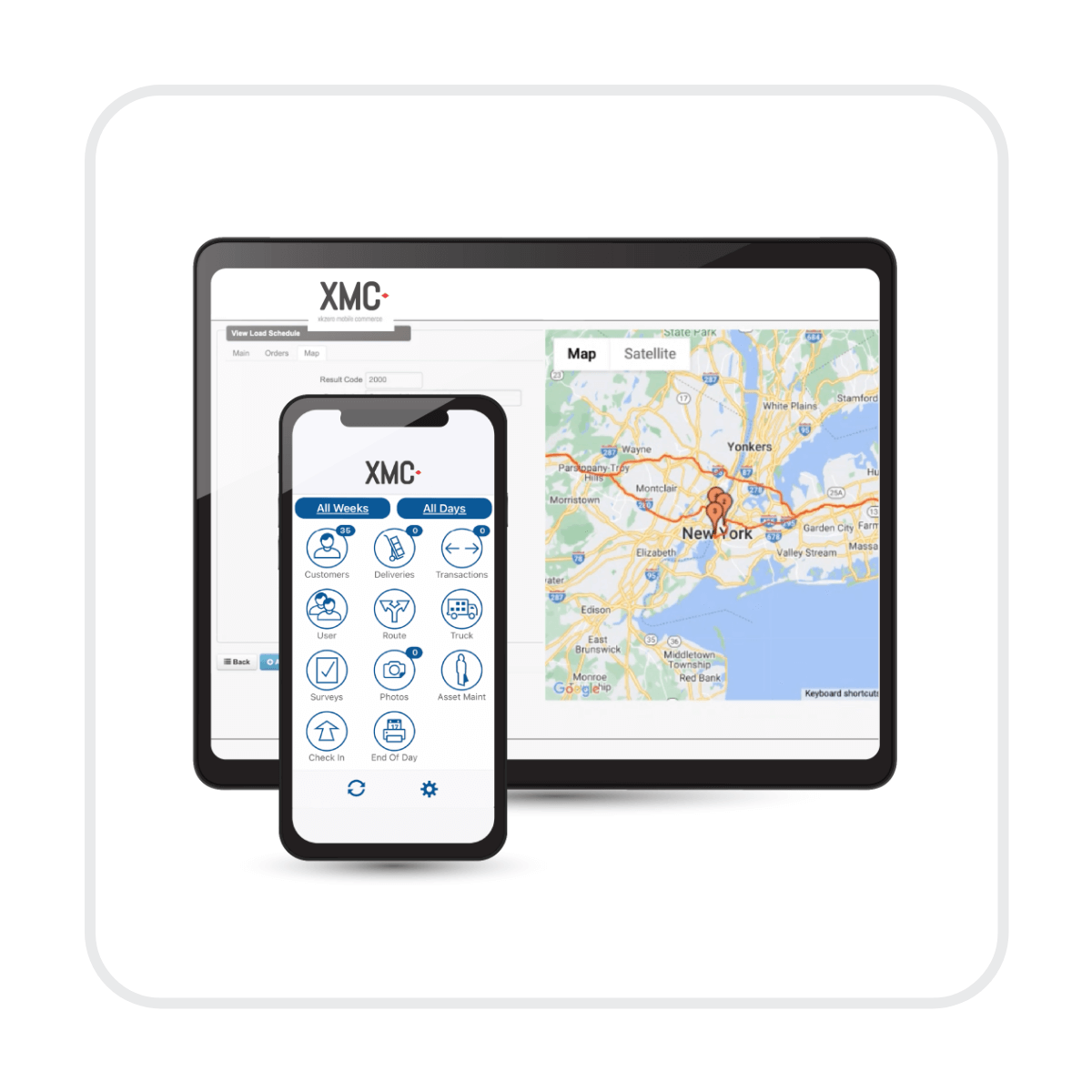

Built to Extend Acumatica and Sage
XMC is not a standalone route app operating in isolation. It is a fully integrated mobile extension of your ERP system, designed to enhance Acumatica and Sage environments without disrupting financial control or operational integrity.
Offline functionality works in harmony with your ERP, not outside of it.
- Does XMC really work without internet? Yes. XMC is fully functional without WiFi or cellular connectivity. Drivers can create orders, generate invoices, capture payments, process returns, and adjust inventory entirely offline. When connectivity returns, all transactions sync automatically to the ERP system.
- What functions are available in offline mode?
Offline mode supports full transactional capability, including:
- Sales order entry
- Invoice generation
- Payment collection
- Returns and credits
- Inventory adjustments
- Customer updates
It is not a limited “view-only” mode. It is complete operational functionality.
- What happens when the device reconnects to the internet? Once connectivity is restored, XMC automatically syncs all queued transactions back to your ERP. The system validates, reconciles, and posts data to maintain financial and inventory accuracy without manual re-entry.
- Is data secure while stored offline? Yes. Transactional data stored on the device is encrypted and protected using enterprise-grade security protocols. Data remains secure at rest and during transmission back to the ERP system.
- Can payments be processed offline? Yes. Payments can be captured while offline and are stored securely until synchronization occurs. Once reconnected, payment transactions post to the ERP system and update accounts receivable accordingly.
- What if two users update the same account? XMC includes conflict detection and resolution logic during synchronization. If overlapping updates occur, the system applies structured reconciliation rules and flags exceptions when review is required, preserving data integrity.
- Will offline mode slow down performance? No. In fact, offline mode often improves speed because transactions are processed locally on the device rather than waiting on network latency. This results in faster invoice creation and smoother route workflows.
- How much data is stored on the device? Only the data necessary to execute the assigned route is downloaded to the device. This typically includes customer records, pricing, product inventory, and route schedules. The system is optimized to handle high transaction volumes efficiently.
- Does offline ERP replace our core ERP system? No. XMC extends your ERP into the field. It operates independently during connectivity gaps but synchronizes back into Acumatica or Sage to maintain a single source of truth for financial and operational reporting.
- Is offline functionality automatic or does it require switching modes? Offline capability is built into the system. If connectivity drops, the application continues operating seamlessly without requiring manual mode changes.
Let's Get Started
Our industry experts are ready to help accelerate your business forward and keep your customers happy. We're excited to partner with you on this journey!